

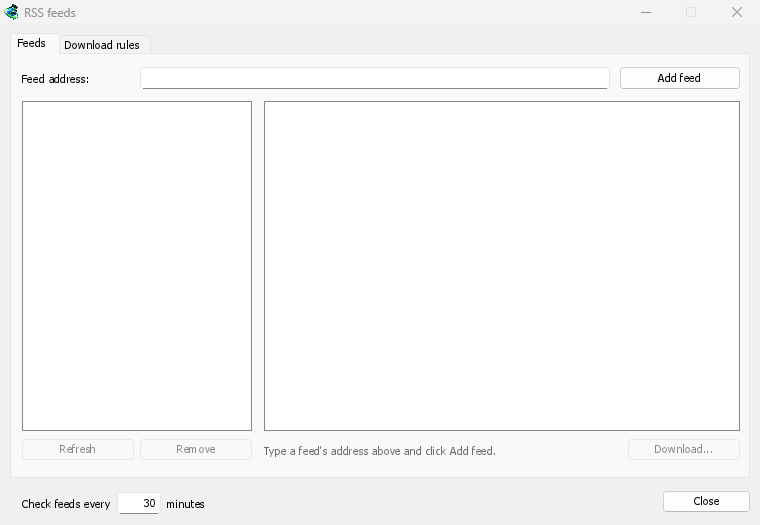
フィードを 1 つのウィンドウで管理
Open Tasks → RSS feeds..., type a feed's address into Feed address and click Add feed. GDM fetches it at once, then every 30 minutes, or as often as you set, down to every 5. Pick a feed to see its articles: one with a torrent shows a torrent icon, and its size when the feed gives it. Double-click an article to open Add torrent with it, as for any torrent.
読み取れないフィードは赤色で表示され、その理由が下部の行に示されます。
自動で選択するルール
ダウンロード ルール タブでは、新しい記事のタイトルがルールに一致する場合、確認なしでトレントを追加します。
- 含む: タイトルに含めるべき単語すべてを、順不同で指定します。
1080p|2160pはどちらか一方を、*と?はワイルドカードを表します。 - 含まない: ルールが記事をスキップする原因となる単語を指定します。
- 正規表現: 必要に応じて、同じ 2 つのボックスで正規表現を使用できます。
- 保存先: ルールのトレントを保存するフォルダーです。自分で開始したい場合は 開始せずにそれらを追加する を選択します。
各エピソードを一度だけ
エピソード は、タイトル内の S01E05 または 1x05 を読み取ります。1x2 はシーズン 1、エピソード 2 を意味し、1x5-8 はエピソード 5 から 8 を、2x1- はシーズン 2 以降のすべてを意味します。ルールは各エピソードを一度だけ処理します。既に追加されたエピソードの 2 番目のリリースが見つかった場合、それはスキップされます。
予期せぬバックログなし
ルールは、フィードが最後に取得されてから新しい記事のみを対象とし、フィードの初回取得では現在存在する記事のみが一覧表示されます。フィードやルールを追加しても、その履歴全体がダウンロードされることはありません。現在 ... 件の記事に一致 は、ルールが取得する記事を示します。これにより、ルールを確認し、それらの記事を手動でダウンロードできます。
A torrent the list already has isn't added again, and GDM never writes into files it didn't make without asking. The window is made for feeds of torrents: an article opens in Add torrent, and a rule adds torrents.
無料、オープンソース、広告なし、試用期間なし。
Download GolinksPRO Download Manager