

- Home
- Funzionalità
- Feed RSS
Nuovi episodi, scaricati appena disponibili.
Many sites publish their new torrents as an RSS or Atom feed. GDM watches the feeds you follow, lists what they hold, and its rules add the new torrents you want by themselves.
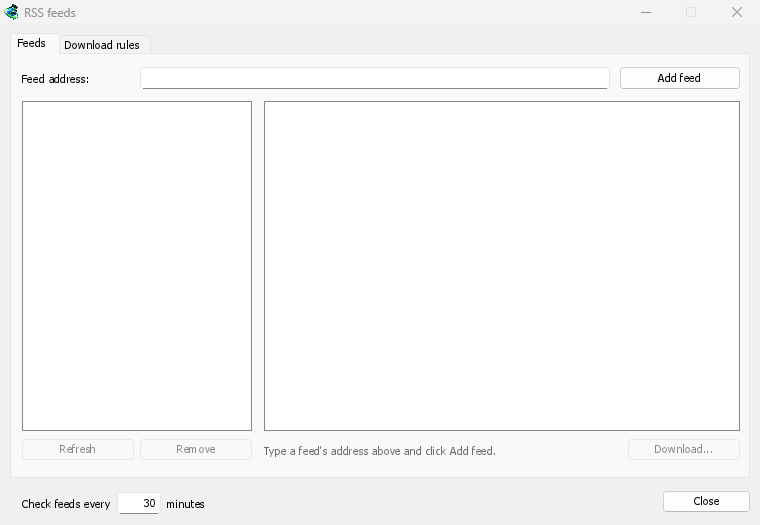
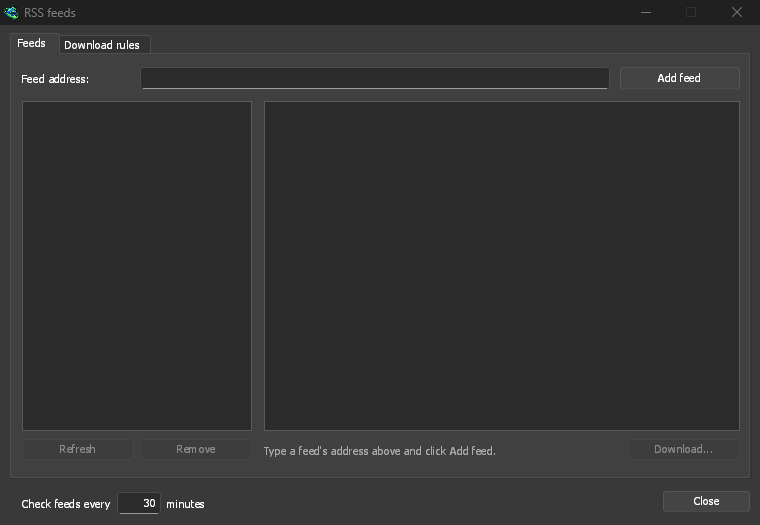
I tuoi feed, in un'unica finestra
Open Tasks → RSS feeds..., type a feed's address into Feed address and click Add feed. GDM fetches it at once, then every 30 minutes, or as often as you set, down to every 5. Pick a feed to see its articles: one with a torrent shows a torrent icon, and its size when the feed gives it. Double-click an article to open Add torrent with it, as for any torrent.
Un feed che non può essere letto viene mostrato in rosso, con il motivo sulla riga in basso.
Regole che scelgono per te
Nella scheda Regole di download, una regola aggiunge i torrent dei nuovi articoli i cui titoli corrispondono, senza chiedere:
- Deve contenere: parole che il titolo deve contenere, tutte, in qualsiasi ordine.
1080p|2160paccetta l'una o l'altra, e*e?sono caratteri jolly. - Non deve contenere: le parole che fanno ignorare un articolo alla regola.
- Espressioni regolari, per chi le vuole, nelle stesse due caselle.
- Salva in: una cartella per i torrent della regola, e Aggiungili senza avviarli se preferisci avviarli tu stesso.
Ogni episodio una volta
Episodi legge S01E05 o 1x05 in un titolo. 1x2 è la stagione 1, episodio 2; 1x5-8 sono gli episodi da 5 a 8; 2x1- è tutto dalla stagione 2 in poi. Una regola prende ogni episodio una volta: quando compare una seconda release di un episodio già aggiunto, viene saltata.
Nessun arretrato a sorpresa
Le regole considerano solo gli articoli nuovi dall'ultimo recupero del feed, e il primo recupero di un feed elenca solo ciò che è presente. L'aggiunta di un feed o di una regola non scarica mai tutta la sua cronologia. Ora corrisponde a ... articoli mostra quali articoli la regola sceglierebbe, così puoi verificarla e scaricarli manualmente.
A torrent the list already has isn't added again, and GDM never writes into files it didn't make without asking. The window is made for feeds of torrents: an article opens in Add torrent, and a rule adds torrents.
Gratuito, open source, senza pubblicità, senza periodo di prova.
Download GolinksPRO Download Manager