

一个窗口搞定所有视频页面
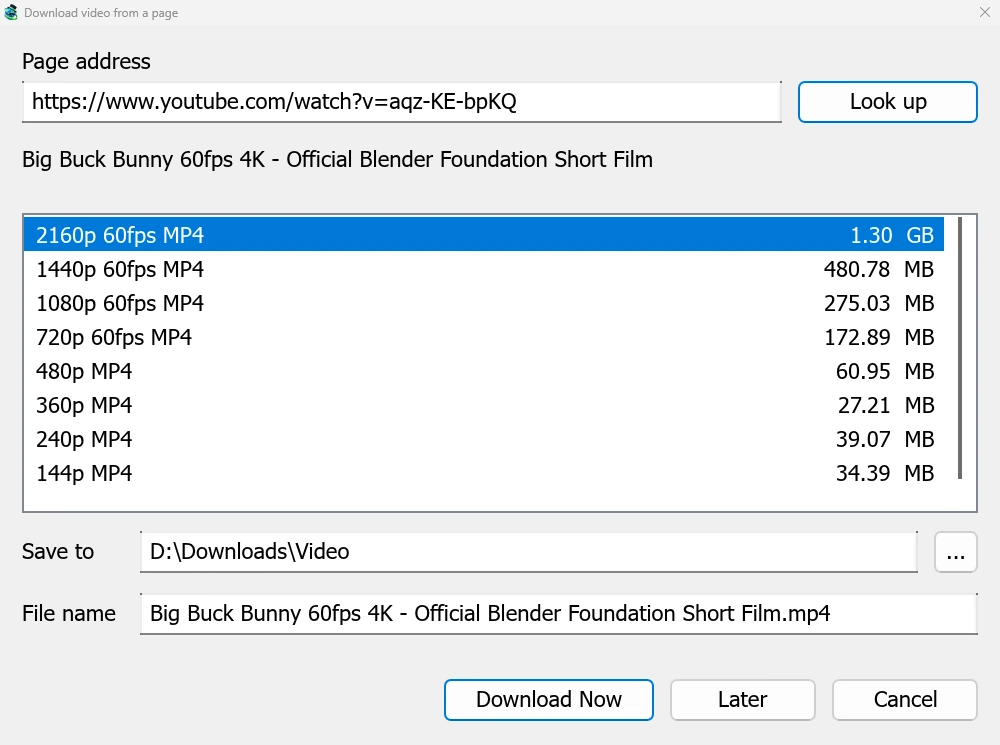
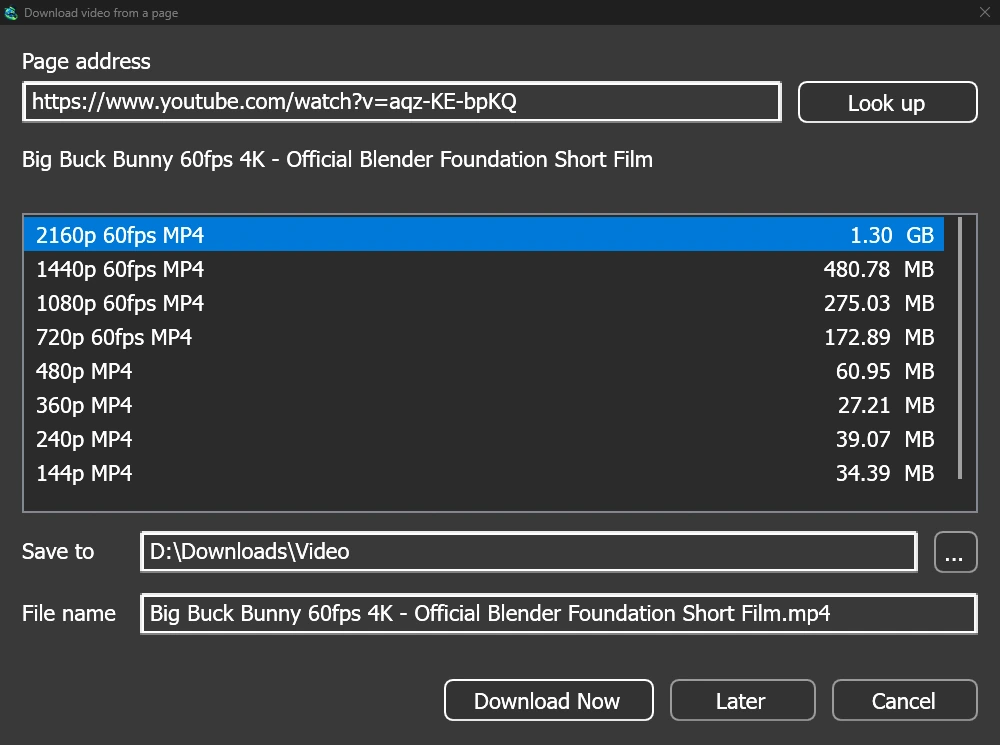
Give a video's page address to Add URL (Ctrl+N) and GDM sees that it is a video page: Download video from a page opens and looks it up. YouTube, Vimeo, Dailymotion, Twitch, TikTok, Instagram, Reddit and well over a thousand other sites work. With the browser extension, the button over a video opens the same window.
列表会显示各种画质及其大小,最佳画质排在最前面,纯音频排在最后。检查保存到和文件名,然后点击立即下载,或点击稍后将其添加到稍后下载列表。视频会像其他下载一样,拥有独立的行和进度窗口。
两个辅助程序,使用前需检查
GDM doesn't do this alone, and doesn't pretend to. yt-dlp reads the page and downloads the video. ffmpeg joins the picture and the sound when a site keeps them apart, which most sites do for their higher qualities. GDM offers both on its first start and downloads them from their official releases, checked against what their publishers sign before it uses them. On Linux and macOS GDM uses the system's ffmpeg.
即使没有 ffmpeg,您仍然可以下载自带音频的画质。
不支持的功能
Videos protected with DRM, as most paid streaming services use, can't be downloaded, and GDM doesn't try. Downloading may be against some sites' terms: checking that is up to you.
Sites change often, and a newer yt-dlp usually fixes a video that stopped working. GDM doesn't update yt-dlp on its own yet; the help shows how to get the newest one.
播放列表、字幕和 MP3
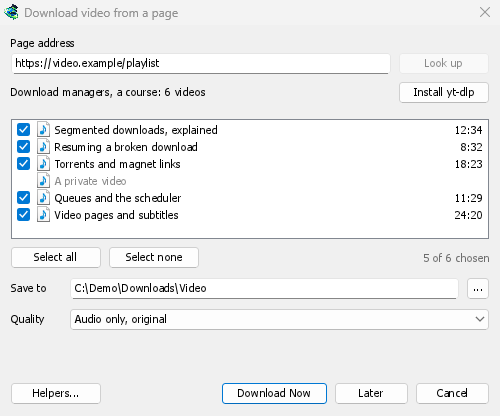
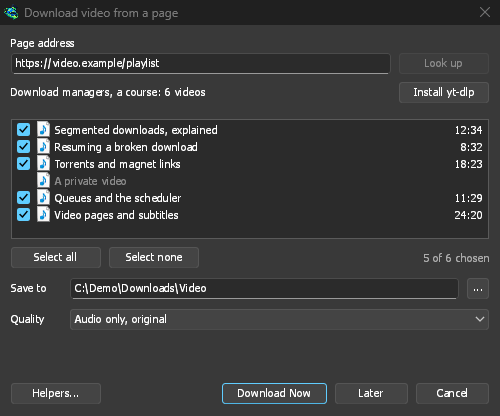
- 播放列表和频道:粘贴播放列表或频道的地址,窗口会列出所有视频并全部勾选。所有视频都应用相同的画质,并保存到以列表命名的文件夹中。频道每次列出 50 个视频,可通过加载更多。
- 字幕:首先是上传者提供的语言,然后是网站的自动生成字幕。它们会保存到视频旁边,或者通过 ffmpeg 嵌入到 MP4 或 MKV 文件中。
- 纯音频:纯音频 MP3(最佳可变比特率或 320、256、192 或 128 kbps),纯音频 OPUS和纯音频 FLAC,并诚实地指出 FLAC 无法提升网站音频本身不具备的音质。
- 需要登录才能观看的视频:选项 → 站点登录 → 视频网站的 Cookie允许 yt-dlp 读取浏览器的 Cookie,用于粘贴的链接。Chrome、Edge 和 Brave 在 Windows 上会锁定其 Cookie,窗口会提示;Firefox 可以正常工作,视频上方的按钮也可以。
- 您自己的 yt-dlp 和 ffmpeg:帮助程序...可以导入您已有的副本。
免费、开源、无广告、无试用版。
Download GolinksPRO Download Manager