

- Ana Sayfa
- Özellikler
- Video indirmeleri
Bir video sayfasını yapıştırın. Kaliteyi seçin.
GDM downloads videos from their web pages with yt-dlp, the open-source tool whose community keeps it working as sites change. You pick the quality; the video joins your other downloads.
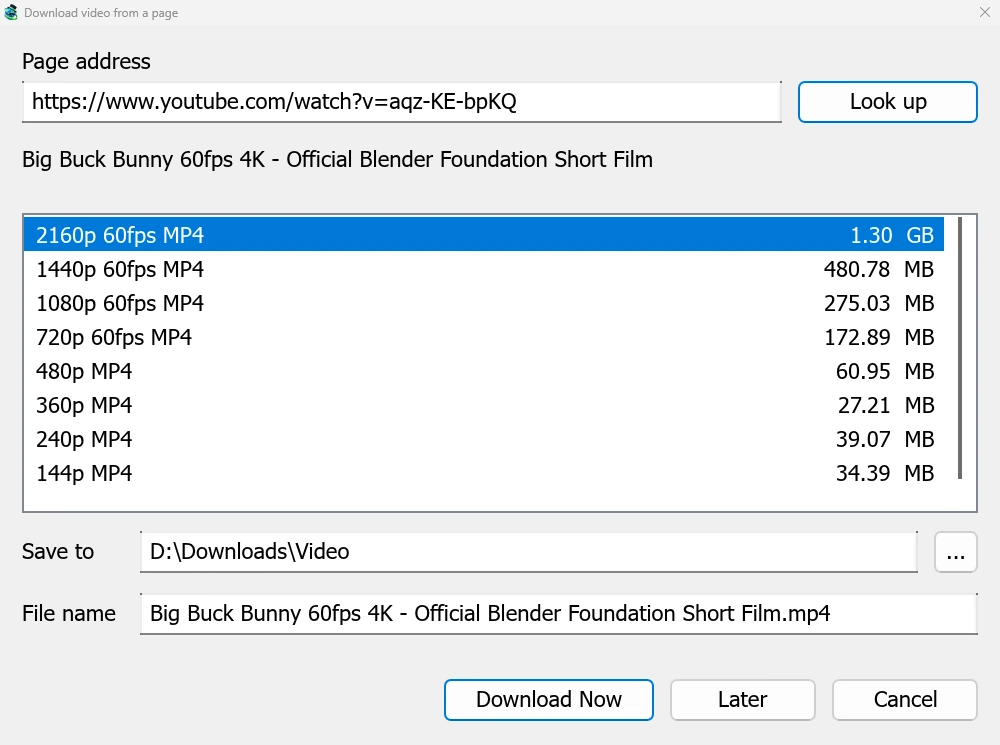
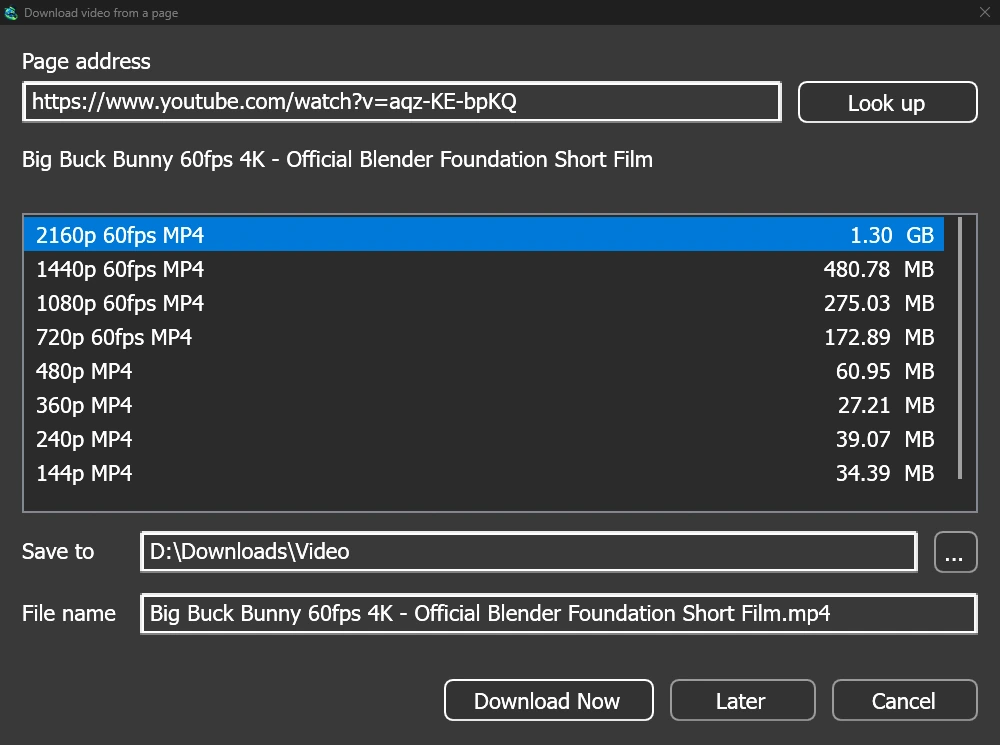
Herhangi bir video sayfası için tek pencere
Give a video's page address to Add URL (Ctrl+N) and GDM sees that it is a video page: Download video from a page opens and looks it up. YouTube, Vimeo, Dailymotion, Twitch, TikTok, Instagram, Reddit and well over a thousand other sites work. With the browser extension, the button over a video opens the same window.
Liste, her kaliteyi boyutuyla birlikte, en iyiden başlayarak ve en sonda yalnızca sesi gösterir. Kaydedileceği yer ve Dosya adı seçeneklerini kontrol edin, ardından Şimdi İndir düğmesine tıklayın veya daha sonra indirme listesine eklemek için Sonra seçeneğini kullanın. Video, diğer indirmeler gibi kendi satırına ve ilerleme penceresine sahip olur.
Kullanmadan önce kontrol edilen iki yardımcı
GDM doesn't do this alone, and doesn't pretend to. yt-dlp reads the page and downloads the video. ffmpeg joins the picture and the sound when a site keeps them apart, which most sites do for their higher qualities. GDM offers both on its first start and downloads them from their official releases, checked against what their publishers sign before it uses them. On Linux and macOS GDM uses the system's ffmpeg.
ffmpeg olmadan bile sesiyle birlikte gelen kaliteleri alırsınız.
Yapmayacağı şeyler
Videos protected with DRM, as most paid streaming services use, can't be downloaded, and GDM doesn't try. Downloading may be against some sites' terms: checking that is up to you.
Sites change often, and a newer yt-dlp usually fixes a video that stopped working. GDM doesn't update yt-dlp on its own yet; the help shows how to get the newest one.
Oynatma listeleri, altyazılar ve MP3
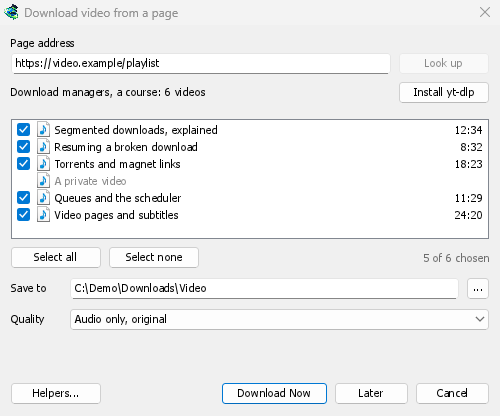
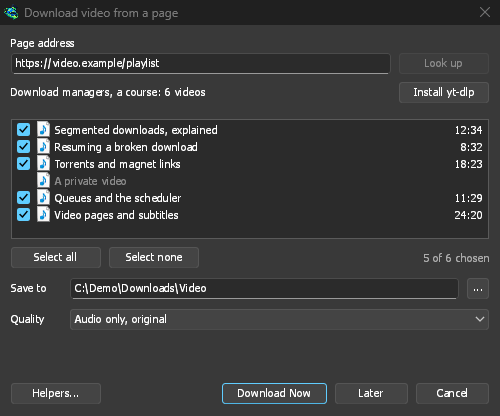
- Oynatma listeleri ve kanallar: bir oynatma listesinin veya kanalın adresini yapıştırın, pencere tüm videolarını işaretli olarak listeler. Tek bir kalite hepsi için geçerlidir ve liste adını taşıyan bir klasöre giderler. Bir kanal, Daha fazla yükle ile her seferinde 50 video olarak listelenir.
- Altyazılar: önce yükleyicinin dilleri, sonra sitenin otomatik altyazıları. Videonun yanına kaydedilir veya ffmpeg ile bir MP4 veya MKV dosyasına yerleştirilir.
- Yalnızca ses: en iyi değişken bit hızında veya 320, 256, 192 veya 128 kbps'de Yalnızca ses MP3, Yalnızca ses OPUS ve Yalnızca ses FLAC, FLAC'ın sitenin sesinde olmayan bir kalite ekleyemeyeceğine dair dürüst bir notla.
- Oturum açmanızı gerektiren videolar: Seçenekler → Site oturum açma bilgileri → Video siteleri için çerezler, yt-dlp'nin yapıştırılan bağlantılar için bir tarayıcının çerezlerini okumasına izin verir. Chrome, Edge ve Brave Windows'ta çerezlerini kilitler ve pencere bunu belirtir; Firefox çalışır ve videonun üzerindeki düğme de çalışır.
- Kendi yt-dlp ve ffmpeg'iniz: Yardımcılar... zaten sahip olduğunuz bir kopyayı alır.
Ücretsiz, açık kaynak, reklamsız, deneme sürümü yok.
Download GolinksPRO Download Manager