

एक अंतर्निहित किल स्विच
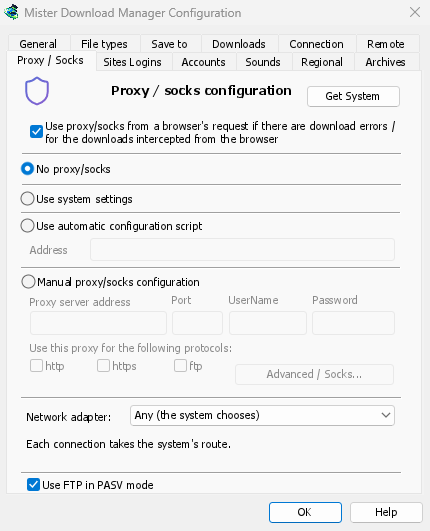
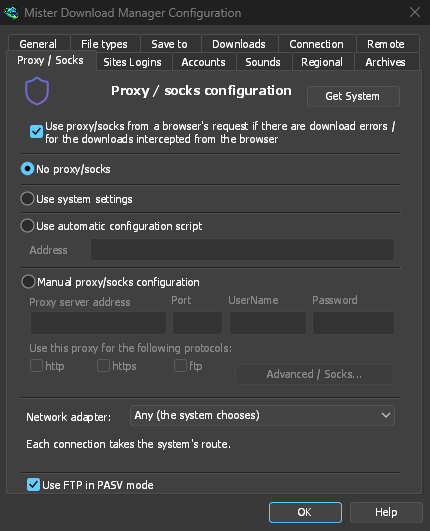
Any (the system chooses) is the default. Choose an adapter instead, and GDM sends its connections through that one only. When it disconnects, or the VPN is switched off, nothing goes out another way. Running downloads stop with "… is not connected" and start again by themselves when the adapter is back. The line under the list shows the adapter's address, or that it isn't connected.
Everything GDM opens
It covers downloads and FTP, torrents (peers, trackers, the DHT and the listening port), video
pages and image galleries, the DNS you chose, GDM's own downloads and its update check. The
command line's get, video-get and gallery-get take --adapter, with the adapter's name,
such as Ethernet or wg0, or one of its addresses.
yt-dlp, gallery-dl and ffmpeg can't be held to an adapter themselves. While one is chosen, GDM gives them a proxy of its own on this computer, with a password only they get, and opens their connections through the adapter as it opens its own. Video formats that can't go through a proxy (RTMP, RTSP, MMS, FTP) are refused rather than sent around it.
यह कैसे काम करता है
On Windows, GDM binds the adapter's own address, and Windows then sends those packets only through that adapter. Linux binds the device itself (Linux 5.7 or newer), and macOS binds the interface. An address of a kind the adapter doesn't have, such as IPv6 on a VPN that has only IPv4, is refused, not sent around it.
अपनी लुकअप भी अंदर ही रखें
The system's DNS looks names up its own way, and Windows may ask over every adapter. To keep the names inside the VPN as well, choose a DNS in Options → Connection → DNS: GDM then asks it through the adapter. See DNS and proxies.
यह अभी तक क्या नहीं रखता है
ftps://पते (अंतर्निहित TLS) तब तक शुरू नहीं होते जब तक एक एडाप्टर चुना जाता है; TLS के साथ ftp:// ठीक है। इस कंप्यूटर से ही कनेक्शन बंधे नहीं होते हैं, इसलिए इस कंप्यूटर पर चल रहा एक प्रॉक्सी तय करता है कि आपके डाउनलोड वहां से कहां जाते हैं। macOS पर, एक VPN जो फिर से कनेक्ट होता है वह एक नए इंटरफ़ेस के रूप में वापस आ सकता है (utun5 के बजाय utun4): इसे फिर से चुनें।
मुफ़्त, ओपन सोर्स, कोई विज्ञापन नहीं, कोई ट्रायल नहीं।
Download GolinksPRO Download Manager