


The browser's downloads, in GDM
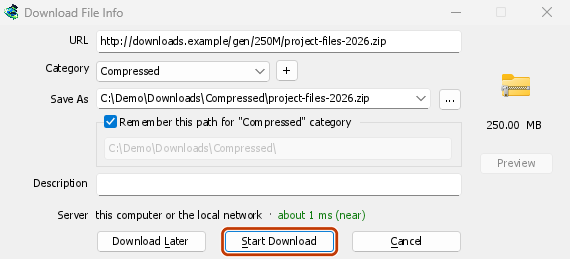
Click a download link and Download File Info opens in GDM instead of the browser's own download bar. GDM gets the address together with the page it came from, your cookies for the site and the browser's User-Agent, so a download that needs you to be signed in still works. The browser's copy is cancelled and taken off its download list.
You decide what GDM takes. Options → File types lists the file types it catches (ZIP, RAR, EXE, ISO, MP4, PDF and many more) and the sites it leaves alone, and Options → General has the browsers it takes downloads from. Everything else stays with the browser.
GDM doesn't need to be running first: the browser starts it. If GDM can't be reached at all, the download stays with the browser, so nothing is lost.
Nhấp chuột phải, hoặc nút trên video
Right-click a link, a picture, a video or a sound and choose Download with Mister Download Manager: GDM downloads it whatever its type.
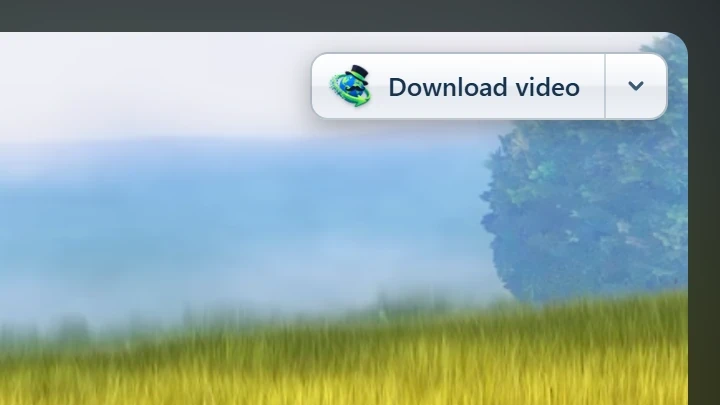
Point at a video and a small Download video button appears at its edge. It opens GDM's Download video from a page window with the qualities on offer (see video downloads). You can hide it on one video or one site, or turn it off in Options.
Cài đặt từ cửa hàng, luôn được cập nhật
Install GDM with its setup and keep Set up browser integration ticked. Then add the extension: Firefox 140 or later takes it from addons.mozilla.org, and Chrome, Edge, Brave, Opera and Vivaldi from the Chrome Web Store. The browser keeps it updated.
Một số giới hạn, nói rõ: bản portable không thể kết nối với trình duyệt vì nó không ghi gì bên ngoài thư mục của nó.
Thêm về trình duyệt, trong phiên bản 0.5.0
- The toolbar button says whether the browser reaches GDM, and How to fix it opens the help for the reason. When a setting leaves a download to the browser (its type isn't in File types, its site is excluded, it's under the minimum size), the button names the setting and the file, and GDM's log keeps a line for each.
- Nội dung đa phương tiện trên trang này liệt kê các luồng video và các tệp video, âm thanh mà một trang đã tải, vì vậy một video không có liên kết vẫn có thể được lưu. Các luồng được bảo vệ bản quyền được liệt kê là Được bảo vệ và không bao giờ được gửi.
- Tải xuống tất cả liên kết và Tải xuống các liên kết đã chọn gửi các liên kết của một trang đến Trình lấy liên kết.
- PDFs, music and videos the browser would open itself, and downloads from forms, go to GDM too. Hold Alt while clicking to let the browser have one.
- Browsers built on Firefox or Chromium, such as Zen, LibreWolf, Floorp, Waterfox and Helium, reach GDM. Flatpak browsers on Linux can't start GDM's helper.
- Test browser integration... in Options → General checks GDM's side.
Miễn phí, mã nguồn mở, không quảng cáo, không dùng thử.
Download GolinksPRO Download Manager