

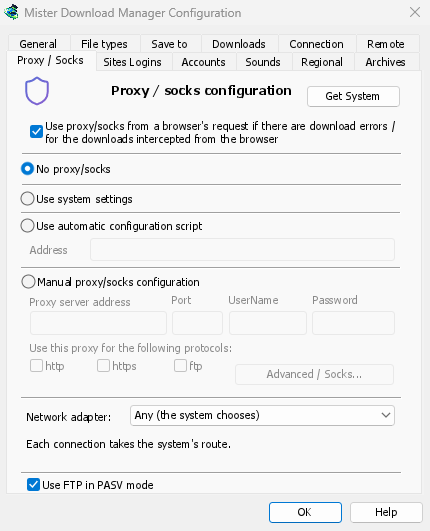
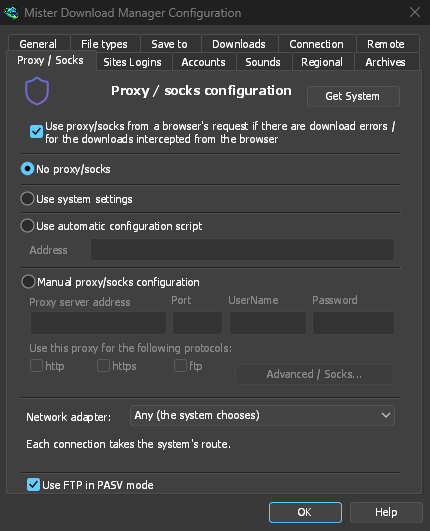
既に使用しているプロキシ
プロキシ/SOCKS なしは直接接続します (既定)。システム設定を使用するは Windows で設定されたプロキシを使用します。プロキシ/SOCKS の手動設定は、プロキシのアドレスとポート、必要に応じてユーザー名とパスワード、および対象プロトコルを使用します。SOCKS プロキシはsocks5://hostとして記述します。システムを取得は、Windows の設定からフィールドに入力し、そこから調整します。
If your network gives a proxy auto-config (PAC) script, type its address, or pick the file,
under Use automatic configuration script. GDM fetches it and asks it which way each download
goes (PROXY, SOCKS or DIRECT), as browsers do. Until it has been fetched, or if it can't be,
GDM uses the system's settings.
FTP はプロキシを通過しないため、プロキシのftpボックスはグレー表示のままになります。
ブラウザーの VPN 拡張機能に従う
With Use proxy/socks from a browser's request (on by default), a download GDM takes from the browser goes through the proxy the browser used for it: a VPN or proxy extension's, the browser's own manual proxy, or its auto-config script. Content limited to the VPN's country keeps working. In Firefox, switch on Send downloads through this browser's proxy or VPN extension in the extension's popup. Chrome, Edge, Brave, Opera and Vivaldi can't hand the proxy over yet: set the same proxy in GDM there. A proxy that needs the VPN extension's own login can't be shared, and the download says so rather than going without it.
プロキシのパスワードはシステムのキーチェーンに移動します。Windows Credential Manager、Linux のキーリング、macOS のキーチェーンです。
名前解決の選択
Options → Connection → DNS picks who turns names into addresses for downloads, FTP, GDM's own downloads and the update check: the system's (the default), Cloudflare, Google, Quad9, AdGuard, NextDNS with your configuration ID, or your own. It is asked over HTTPS (the default) or TLS, so nobody on the way sees or changes the names you look up, or plainly over TCP. Test shows how long it takes to answer.
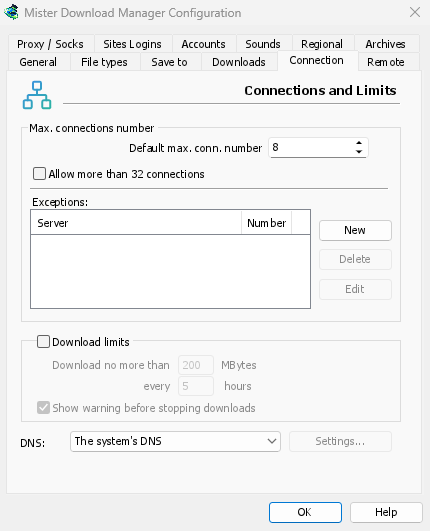
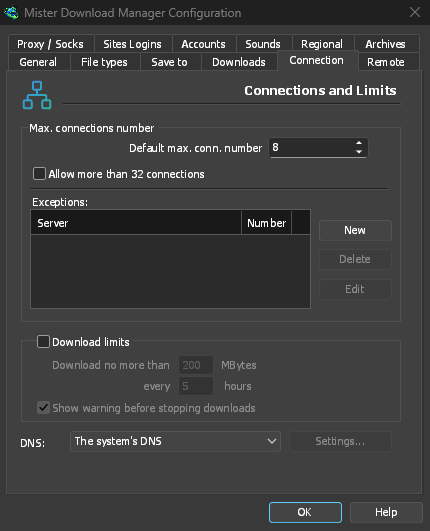
DNS に到達できない場合、システムの DNS へのフォールバックを許可しない限り、ダウンロードは停止し、その旨のメッセージが表示されます。ホスト ファイルとローカル名はシステムの DNS に残り、ビデオ ページとトレント トラッカーは引き続きそれを使用します。コマンド ラインのgetは--dnsを使用します。
すべてを 1 つのアダプターで
VPN へのすべての接続を維持し、切断時にキル スイッチを有効にするには、ネットワーク アダプターを参照してください。
無料、オープンソース、広告なし、試用期間なし。
Download GolinksPRO Download Manager