

順番を待つダウンロード
キューは、一度に数個ずつ順番に実行されるダウンロードのリストです。ダウンロード ファイル情報で後でダウンロードをクリックするか、リスト内のダウンロードを右クリックしてキューに追加を選択します。Q列にマークが付き、カテゴリ ペインのキューには各キューが個別に表示されます。
キューは既定で一度に 4 つのダウンロードを実行します。そのキュー内のファイルタブで別の数を設定するか、1 を設定して 1 つずつ取得します。メインのダウンロード キューの他に、好きなだけキューを作成できます。失敗したダウンロードは末尾に移動し、30 秒後に再試行されます。
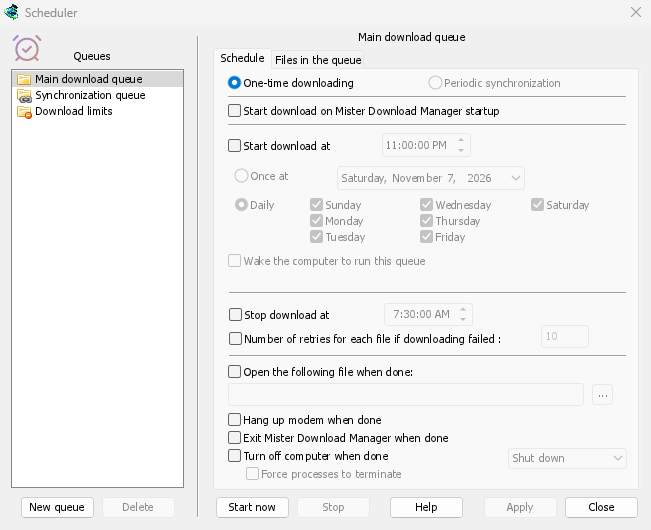
時刻で開始および停止
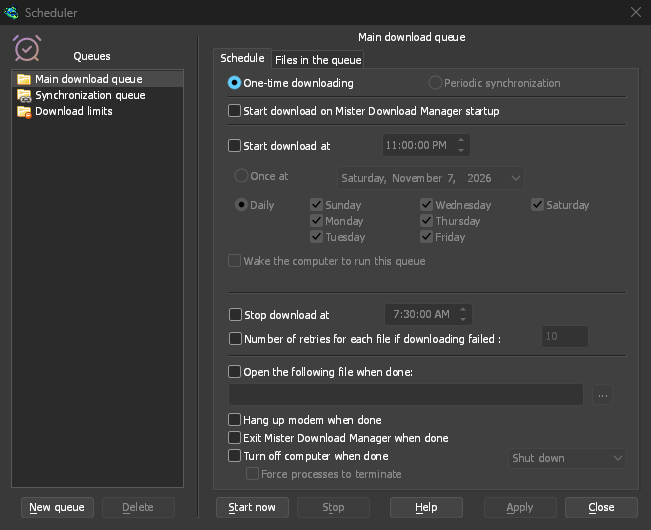
On a queue's Schedule tab, tick Start download at and choose a time, Once at a date or Daily on the days you tick. Stop download at halts whatever is left, for example before work in the morning. A queue can also start whenever GDM starts.
GDM has to be running for a schedule to fire. Closing the main window is fine: GDM keeps going in the notification area.
キューが完了したら
GDM can open a file, such as a sound or a script, exit, or turn the computer off with Shut down, Sleep or Hibernate. A 30-second countdown comes first, so if you are still at the computer, Cancel stops it.

キューのためにスリープ解除
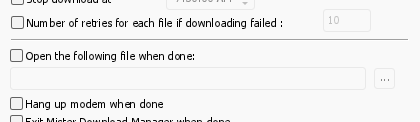
このキューを実行するためにコンピューターをスリープ解除するをオンにすると、開始時刻の 1 分前にスリープ中のコンピューターがスリープ解除され、キューが開始されるときにネットワークが復旧します。キューの実行中はスリープ解除されたままになり、その後は独自の睡眠設定が再び適用されます。オプションの下の行には、次のスリープ解除の時刻、またはスリープ解除できない理由が示されます。
The computer has to be asleep, not shut down. On Windows the power plan must allow wake timers: the Scheduler says when it doesn't, and Change opens the setting. On Linux an administrator allows it once. On macOS only an administrator can schedule a wake, so the option is greyed there. GDM never asks for an administrator's password.
データ上限の下で
ダウンロード制限は、上限のあるインターネット プランを管理します。数時間ごとに設定されたメガバイト数を超えません。制限に達するとダウンロードは待機し、期間が終了すると自動的に再開されます。
夜間ダウンロードで手順を追って説明します。
無料、オープンソース、広告なし、試用期間なし。
Download GolinksPRO Download Manager